
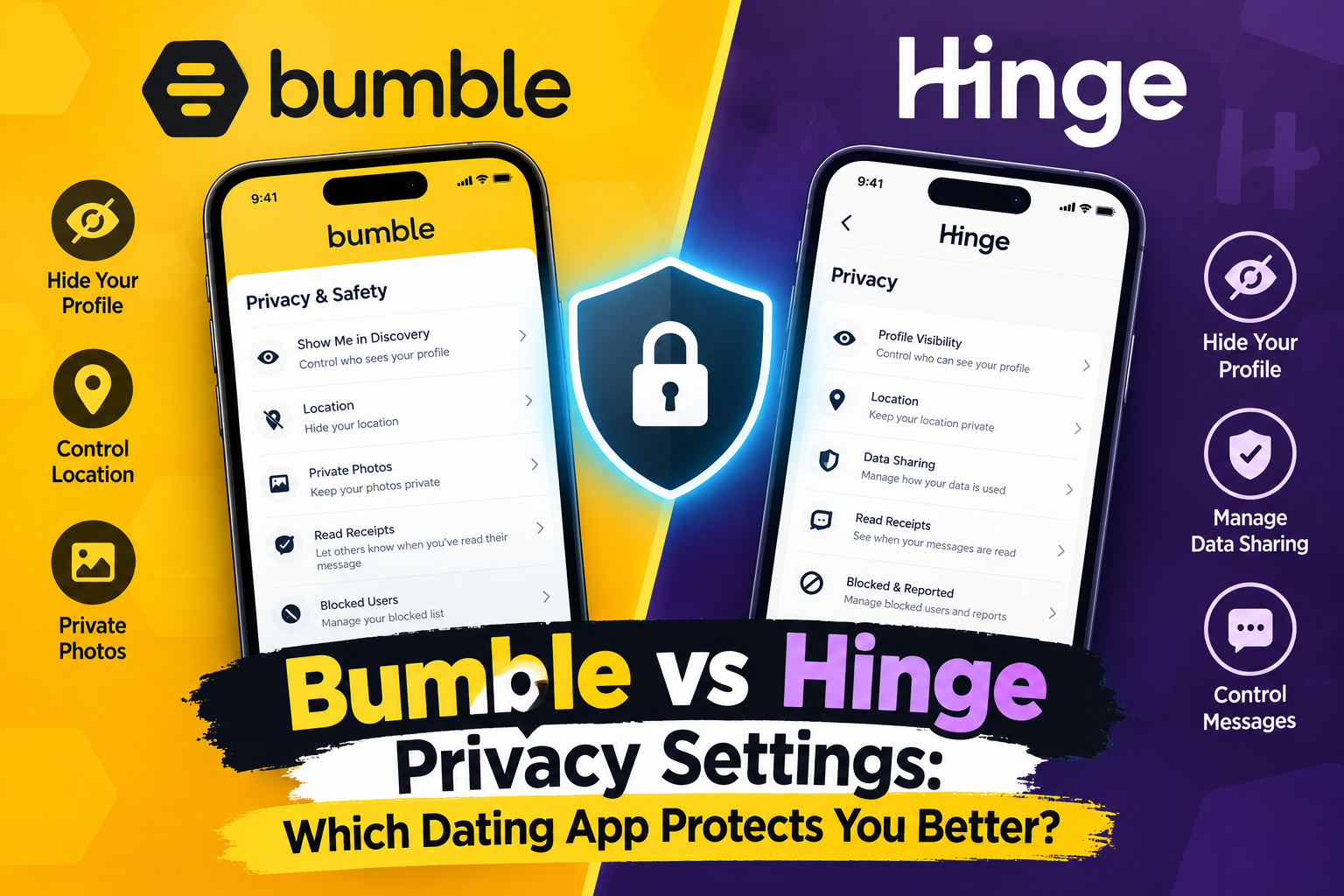
Bumble and Hinge handle privacy in noticeably different ways. Bumble builds its privacy tools around visibility controls — an incognito mode, distance hiding, and opt-outs for targeted ads — all managed through one settings menu. Hinge takes a narrower approach: it has no free “hide my profile” switch, but its paid Hidden Mode restricts who can see you, and features like Block Contacts and Hidden Words give you more control over unwanted contact than over unwanted visibility.
Neither app is dramatically more “private” than the other across the board. Bumble gives free users more visibility control out of the gate. Hinge leans harder into identity verification and message-level filtering. Which one suits you depends on what kind of privacy you actually care about: staying invisible to people you know, controlling your location data, or limiting harassment.
This guide breaks down exactly how each app’s privacy settings work, what’s free versus paid, and how they compare to Tinder and other major dating apps — so you can make an informed choice before your next swipe.
Quick Comparison: Bumble vs Hinge Privacy at a Glance
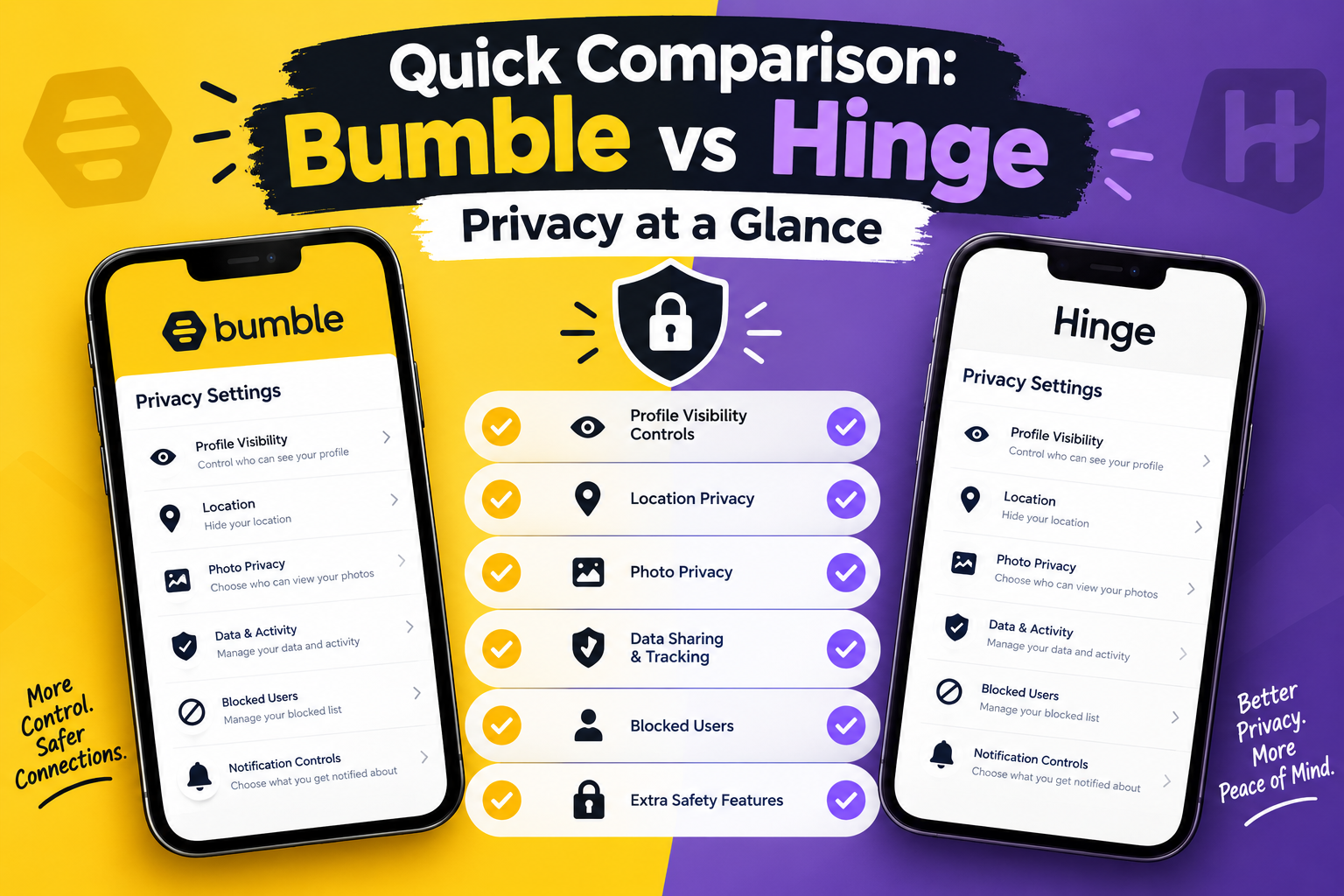
| Privacy Feature | Bumble | Hinge |
|---|---|---|
| Hide your profile from everyone except people you’ve liked. | Yes — Incognito Mode (paid) | Yes — Hidden Mode (Hinge+/HingeX, paid) |
| Pause the account without deleting it. | Limited (deactivate) | Yes — Pause mode (free) |
| Hide distance/location. | Available in app settings | Not a dedicated toggle; controlled via device location permissions |
| Hide “last active” status. | Not a standalone toggle | Yes — free |
| Message/comment filtering | Compliments feature (similar concept) | Yes — Hidden Words filter (free) |
| Block by phone contacts. | Not a core feature | Yes — Block Contacts (free) |
| Photo/ID verification | AI-based selfie verification, Deception Detector | Photo verification with visible checkmark |
| Opt out of targeted/behavioural ads. | Yes, in Privacy Settings | Governed by Match Group’s general privacy policy |
| See who’s viewed your profile without notifying them. | Yes, browsing doesn’t notify. | Yes, browsing doesn’t notify (only likes notify). |
| Data access/deletion request | Yes, via privacy policy request. | Yes, via Match Group privacy tools |
Bumble Privacy Settings Explained
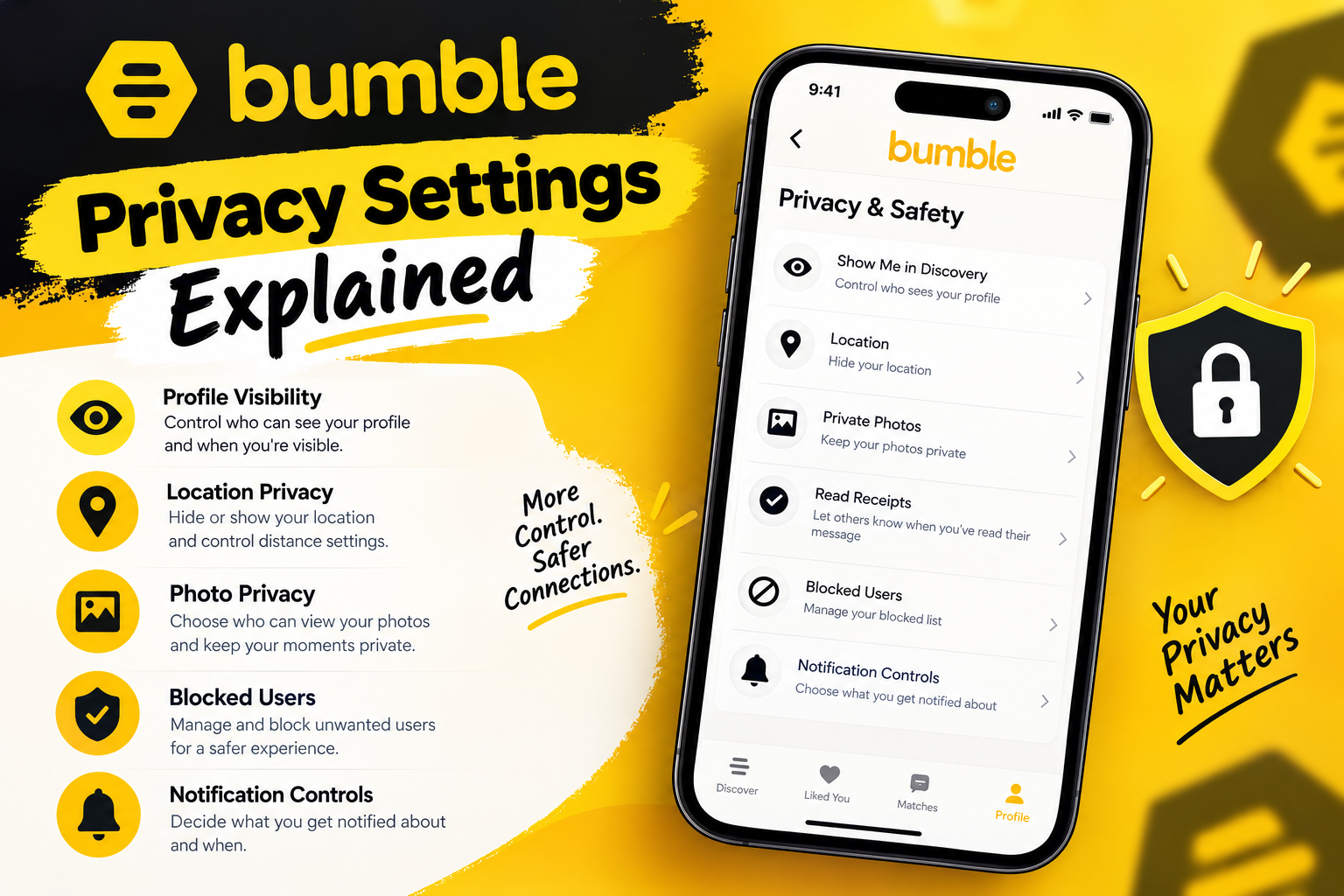
Incognito Mode
Bumble’s flagship privacy feature is Incognito Mode. It hides your profile from other users and reveals it only to the people you swipe right on, allowing you to remain anonymous to users that don’t interest you. It’s bundled into Bumble’s paid tiers rather than offered for free.
To turn it on: open your profile icon, go to Settings, scroll down, and enable Incognito Mode.
This is useful if you want to browse without an ex, coworker, or acquaintance stumbling across your profile — since you’ll only appear to people you’ve actively swiped right on.
Location and Distance Controls
Bumble uses your device’s location to show nearby matches and display an approximate distance on your profile. If you don’t put private information like a home address in your profile, other users can only see your city and an approximate distance, such as three miles, not an exact pinpoint.
You can go further by cutting off location access at the device level. On the privacy front generally, security researchers recommend disabling Bumble’s use of your profile information for targeted advertising, since by default Bumble can use your profile data to show behavioural ads that track your interests. That setting sits in Security and Privacy inside the app, with slightly different wording and steps depending on whether you’re in the US or Europe.
Beeline and Who Can See Your Likes
Bumble’s Beeline feature shows premium users a curated list of people who’ve already swiped right on them. Your own swipes are never revealed to free users — only premium subscribers can see who has liked them through Beeline. On top of that, you can hide yourself from Beeline entirely or turn on Incognito Mode to limit your visibility to premium users only, giving you two separate layers of control over who sees your interest and who sees you.
Verification and Fake-Profile Detection
Bumble uses an AI-powered “Deception Detector” to combat fake profiles and requires users to verify their identity by comparing a live verification selfie against their uploaded profile photos. This doesn’t hide your data, but it does reduce your exposure to catfishing and scam accounts — a privacy concern in its own right.
What Bumble Collects Behind the Scenes
Bumble’s own privacy policy is fairly transparent about the scope of data collection. It notes that geolocation data, including WiFi access point information and device coordinates, is collected when location access is granted and used to personalise the app and show nearby matches. The policy also states that Bumble tracks how users interact with photos — including which images people linger on or that have the best lighting — and may use that data to rearrange profile photos in a way that’s favourable to the user, though this can be opted out of in app settings. bumble-bumble
Bumble also tracks click behaviour on links shared within the app, including third-party services, and may share aggregate statistics on how often a link was clicked. bumble
Data Requests and Deletion
If you want to know exactly what Bumble has on file, you can request it directly. Outside vendors that review the app note Bumble’s privacy policy clearly discloses what it collects — including photos, which are continually scanned using facial recognition technology — and that users can submit a data subject access request before deleting their profile entirely.
Best dating apps 2026

- September 13, 2026
Tinder Bio for Men: Best Examples, Ideas & Tips (2026)
- July 24, 2026
Tinder

- August 13, 2026
OkCupid

- October 10, 2026
Match
- September 27, 2026
International Dating in 2026: Platforms, Safety, Scams, and the Law
- October 3, 2026
Casual Dating: Rules, Etiquette & Best Apps for 2026
Hinge Privacy Settings Explained
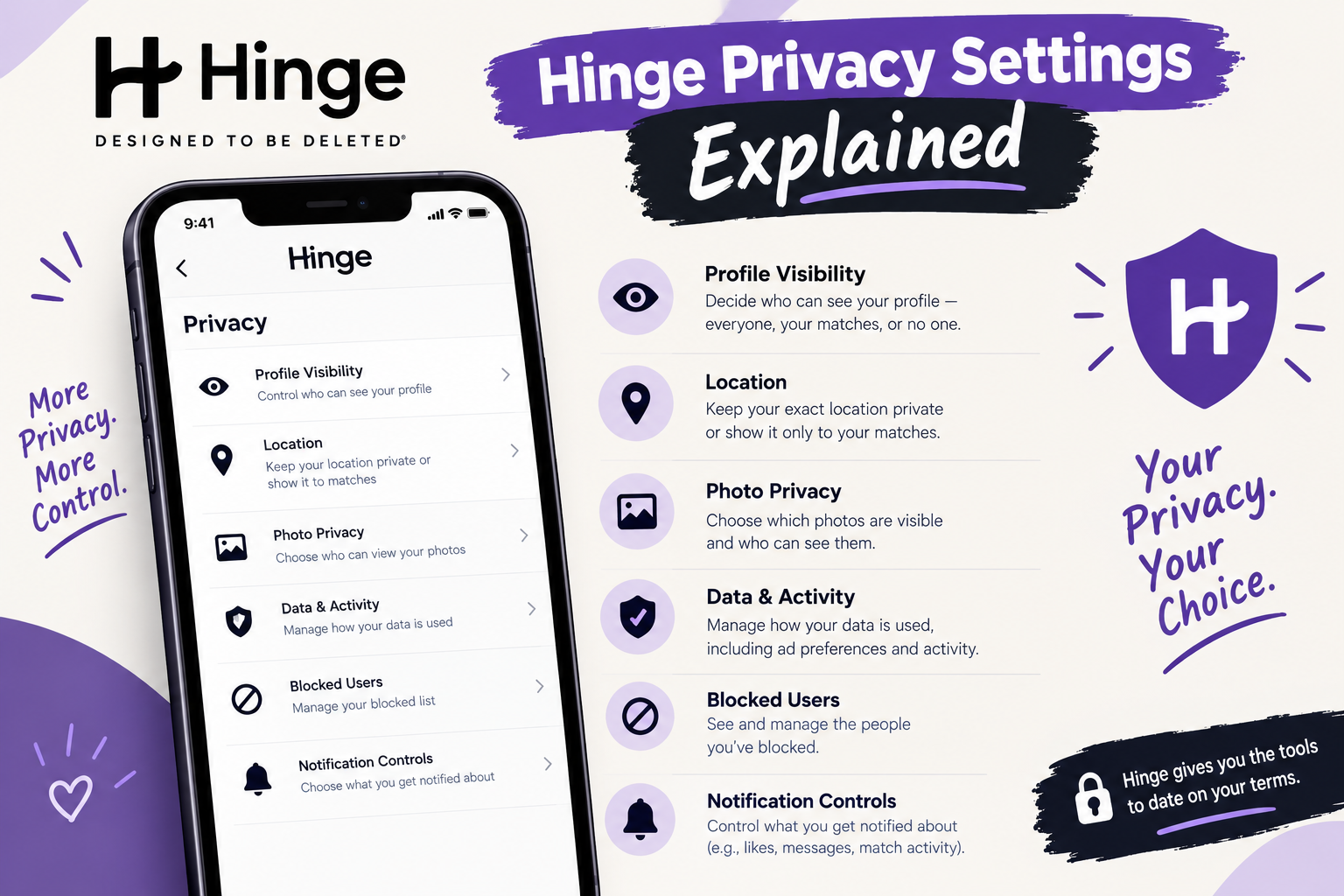
No Free Incognito Mode — But There’s Hidden Mode
Unlike Bumble, Hinge doesn’t offer a free way to browse invisibly. Hinge does not have an incognito mode like some other dating apps, though it does let users adjust privacy settings to decide who sees their profile and interacts with them
That changed somewhat with the introduction of Hidden Mode. Available on Hinge+ and HingeX plans, Hidden Mode makes your profile visible only to people you’ve already liked — you won’t appear in the Discover feed or Standouts, and filter manipulation won’t surface your profile either. It’s described by third-party reviewers as Hinge’s most aggressive privacy feature, functionally similar to Bumble’s Incognito Mode, but it’s also gated behind a subscription.
Pause Mode (Free)
Where Hinge pulls ahead of Bumble is in its free pause functionality. Hinge’s built-in Pause mode removes a profile from being shown to new people while keeping the account, matches, and conversations fully active — a paused profile is genuinely active yet invisible to discovery, hidden from the deck rather than gone.
This is a meaningful difference: Bumble’s closest equivalent (deactivation) typically takes your account further offline, whereas Hinge lets you keep chatting with existing matches while disappearing from new discovery — for free.
Last Active Status
Hinge gives users direct control over activity visibility that Bumble doesn’t offer as a standalone toggle. You can control whether others see your recent activity, and non-matched users can otherwise view your approximate “Last Active” status unless you turn it off.
Hidden Words and Message Filtering
Hinge lets users like a profile with an attached comment, which opens the door to unwanted or inappropriate messages. To manage that, Hinge added a “Hidden Words” feature that filters out likes containing words or phrases you’ve chosen to mute — muted likes are diverted into a separate “Hidden Likes” section rather than your main list, similar to a message-request inbox. Bumble has a comparable concept called Compliments, introduced in 2022, though it’s designed more around highlighting positive messages than filtering unwanted ones.
Block Contacts
Hinge also offers a feature Bumble doesn’t emphasise in the same way: a Block Contacts feature that lets users import their phone contacts and block specific people from ever seeing their profile. This matters if you’re worried about coworkers, family, or an ex’s friend group finding you through mutual contacts.
Verification
Hinge relies on photo verification rather than AI selfie-matching in the way Bumble does. A verified profile displays a blue checkmark, confirming Hinge has checked that the person in the photos is the person who owns the account.
Blocking
You can block anyone at any time on Hinge, which removes them from your view and hides you from them — you can even block people from your phone’s contact list before you ever encounter them on the app.
Head-to-Head: Where Each App Wins
Location privacy
Both apps use device-based location data to show nearby matches and enforce it through your phone’s own permission settings rather than a single dedicated in-app toggle. Bumble is slightly more explicit about giving users city-level rather than pinpoint visibility by default, while Hinge doesn’t publish a dedicated “hide distance” switch — your control largely comes from your phone’s location permissions.
Hiding your profile from specific people
Hinge wins this one for free users through Pause and Block Contacts. Bumble’s Incognito Mode is more powerful once you’re on a paid plan, since it filters visibility down to people you’ve swiped right on — similar to Hinge’s paid Hidden Mode — but Bumble doesn’t offer a free equivalent to Hinge’s Pause.
Reducing harassment through messages
Hinge’s Hidden Words feature is more purpose-built for this than anything Bumble currently offers, since it actively diverts unwanted comments rather than just filtering visibility.
Data transparency
Bumble’s privacy policy spells out granular details — including photo engagement tracking and facial recognition scanning — in language that’s unusually specific for the industry. Hinge, owned by Match Group, operates under Match Group’s broader privacy framework, which covers multiple apps (including Tinder, OkCupid, and Match.com) under similar terms.
Identity verification
Both apps offer photo verification, but Bumble goes further with active AI-based deception detection layered on top, aimed specifically at reducing catfishing and fraudulent accounts.
Pros and Cons
Bumble
Pros:
- Incognito Mode gives strong control over who can discover you
- Explicit ad-tracking opt-out inside privacy settings
- AI-driven fake-profile detection
- Transparent, detailed privacy policy
Cons:
- Incognito Mode is a paid feature only
- No free “pause without deactivating” option
- Photo behaviour tracking (used to reorder your photos) is opt-out, not opt-in, by default
Hinge
Pros:
- Pause mode lets you disappear from discovery for free while keeping matches active
- Hidden Words filters unwanted contact automatically
- Block Contacts prevents your existing network from finding you
- Blue-checkmark verification is straightforward to understand
Cons:
- No free incognito-style option — Hidden Mode requires Hinge+ or HingeX
- No dedicated “hide distance” toggle
- Falls under Match Group’s broader data-sharing framework across its portfolio of apps
How Bumble and Hinge Compare to Other Dating Apps
Privacy tools aren’t unique to Bumble and Hinge — most major apps have converged on similar concepts, just under different names.
Tinder, also owned by Match Group, offers its own version of incognito browsing. Members using Tinder’s Incognito Mode can still Like and Nope other users, but only those they’ve liked will see them in recommendations — giving users complete control over who sees them while scrolling. Like Hinge’s Hidden Mode, it’s a premium feature available for Tinder+, Gold, and Premium subscribers.
Tinder also has a safety feature with no direct equivalent on Bumble or Hinge: Traveller Alert, which automatically hides the profiles of LGBTQIA+ users when they open the app in a location where identifying as LGBTQ+ is criminalised and lets them choose whether to stay hidden or make their profile visible again. The alert also triggers when using Tinder’s Passport virtual-location feature, not just physical travel.
OkCupid, another Match Group property, is also commonly cited as offering an incognito-style mode typically available to premium subscribers, allowing users to hide their profiles from others unless they choose to interact — following the same freemium pattern as Tinder and Hinge.
The pattern across the industry is consistent: full-profile invisibility, whatever it’s branded, is almost always a paid feature. Bumble and Tinder’s Incognito Mode and Hinge/OkCupid’s Hidden Mode all work on the same underlying logic — you only appear to people you’ve already liked.
Choose Bumble if you want a single, comprehensive incognito toggle and don’t mind paying for it, or if you specifically want to opt out of behavioural ad tracking through a clear in-app setting.
Choose Hinge if you want to disappear from new matches for free (via Pause) without losing existing conversations, or if unwanted comments and harassment through likes are a bigger concern for you than general visibility.
Consider both cautiously if your primary worry is data collection broadly — both apps collect location, photo, and behavioural data as part of their core matching function, and neither offers a way to use the app fully without granting some of that access.
Practical Steps to Improve Your Privacy on Either App
- Disable “All Apps to Request to Track” in iPhone Settings under Privacy & Security, or delete your advertising ID in Android’s Privacy controls, which limits ad tracking across every app, not just your dating app of choice.
- Avoid syncing your dating profile with social media accounts, since it increases the chance that acquaintances can identify or find your profile.
- Don’t move off the app too quickly — Bumble’s video chat and voice call features let you screen a match without sharing your phone number.
- Avoid putting contact information directly in your bio or photos on either app.
- Review your app’s photo permissions on your phone (iOS lets you grant access to selected photos only, rather than your entire library).
- On Hinge, use Block Contacts before you start swiping if you’re concerned about your existing network seeing your profile.
- On Bumble, check your Privacy Settings for the ad-personalisation opt-out—it’s not enabled by default.



Frequently Asked Questions
Both work on the same principle — your profile is hidden from everyone except people you’ve already liked — and both require a paid subscription. Bumble calls it Incognito Mode; Hinge calls it Hidden Mode, available on Hinge+ or HingeX.
Yes, through Pause mode. It removes you from new people’s discovery feeds while keeping your existing matches and conversations active, and it doesn’t require a subscription. Full Hidden Mode (visible only to people you’ve liked) does require Hinge+ or HingeX.
No. As long as you don’t include identifying details like a home address in your profile, other users can only see your city and an approximate distance from you, not a precise location.
No. Browsing profiles on both apps happens without notifying the other person. On Hinge specifically, the person only finds out if you send them a like or comment — simply viewing their profile in the Discover feed doesn’t trigger a notification.
Yes. Hinge, Tinder, and OkCupid are all owned by Match Group, which means their privacy policies and data-handling practices operate under a shared corporate framework, even though each app manages its own in-app settings separately.
Bumble’s policy allows it to use your profile information to display targeted ads by default, but it provides an opt-out. In the US, this is done through the “Do not use my profile information to show me relevant ads” toggle; in Europe, GDPR-related “Reject all” options apply.
Bumble uses AI-based selfie verification alongside a “Deception Detector” aimed at catching fake accounts. Hinge uses photo verification that results in a visible blue checkmark. Both reduce catfishing risk, but Bumble’s system is more automated and proactive in flagging suspicious behaviour.
It will significantly limit your matches, since both apps rely on location data to suggest nearby users. You can restrict — but not fully disable — location sharing and still use core features, though your pool of visible matches will likely shrink.